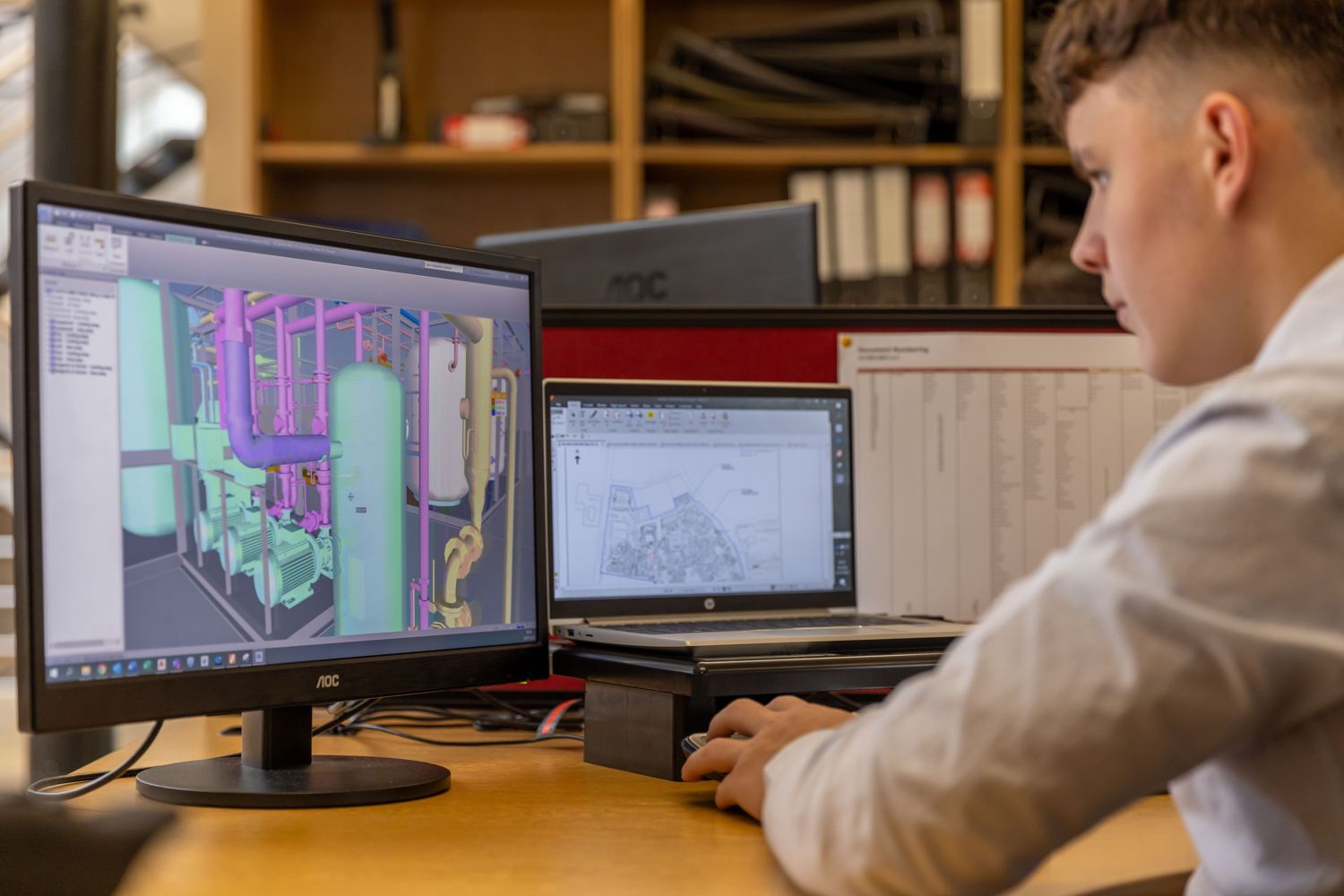
In shortMEP drafting produces the electrical, mechanical and plumbing drawings. MEP modeling builds the same systems as a coordinated 3D Revit model, and the drawings, schedules and quantities come out of the model. Choose drafting when the scope is small, the design is settled and nothing needs coordinating in 3D. Choose modeling when several trades share tight space, when the client or the authority asks for BIM, or when you need as-built or fabrication information. Many projects use both: drafting for the quick packages and modeling for the crowded floors.
What is MEP drafting?
Drafting turns a design into drawings: plans, sections, risers, schedules and details. It starts from your engineer's design or from markups, and it ends as sheets on your title blocks and layers, in Revit or AutoCAD. The sheets are ready for review, permit or construction. Drafting is quick, easy to review and a good fit for tenant improvements, small retrofits and permit sets built from markups.
What is MEP modeling?
Modeling builds ducts, pipes, cable tray, conduit, equipment and luminaires as one 3D model in Revit. The sheets and schedules are produced from the model, so a change is made once and every sheet follows. Because the trades share one model, clashes show up on screen, in Navisworks, instead of on site. Modeling suits new buildings, crowded ceilings and risers, healthcare and hospitality, data centers, and any project with a BIM execution plan.
How do they compare?
| Drafting | Modeling | |
|---|---|---|
| Output | Sheets (PDF, DWG or Revit sheets) | A Revit model, plus sheets and schedules from it |
| Best for | Tenant improvements, small retrofits, permit sets from markups | New buildings, crowded ceilings and shafts, hospitals, hotels, data centers |
| Coordination | By overlay and review of the drawings | Clash detection in Navisworks, with an issue list |
| A change | Edited sheet by sheet | Edited once in the model, sheets update |
| Quantities | Counted by hand | Schedules from the model |
| Effort | Less up front | More up front, less rework later |
How do you choose?
Ask five questions. If the answer to any of them is yes, model it:
- Does the contract, the client or the authority ask for BIM, a BIM execution plan or IFC files?
- Do three or more trades share the same ceiling, shaft or riser space?
- Will the owner use the model after handover, for as-built records or facility management?
- Will shop drawings or fabrication information come from it?
- Is the design likely to change a lot before it is issued?
If every answer is no, drafting is usually enough and quicker.
What level of detail does modeling need?
Level of detail (LOD) says how much the model contains. LOD 200 to 300 is typical for design coordination. LOD 350 or 400 is used for fabrication and shop drawings. Your BIM execution plan sets the level, and we model to it consistently.
Can you start with drafting and move to a model later?
Yes, and many clients do. Set up the template, layers and naming the way the model will need them from the start, so the later move does not mean redrawing everything. An existing 2D drawing can also be used as an underlay to build a model.
What do we need to start?
- The architect's base files (Revit, DWG or PDF).
- Your template, title blocks and drawing standards.
- The design: your engineer's markups, schemes or calculations.
- The level of detail and the BIM execution plan, if there is one.
- The deadline and the issue dates.
Frequently asked questions
Is MEP drafting the same as MEP modeling?
No. Drafting produces the drawings. Modeling builds a 3D model that the drawings are produced from. Modeling takes more effort at the start and saves rework when the design changes or the trades are crowded.
Do you draft in AutoCAD as well as Revit?
Yes. We draft in whichever your project is on, using your title blocks, layers and standards.
Can you turn PDFs, sketches or markups into a Revit model?
Yes. Send the base files and your markups and we build the drawings or the model from them. We list our assumptions on the drawings so your engineer can confirm each one.
Do you offer both in every region?
Yes. MEP drafting and Revit modeling are available in every region we serve, for electrical, mechanical and plumbing.
Does a model cost more than drafting?
It usually takes more effort up front. On a crowded or changing project it often saves time and rework later. We give a price for either before we start.
SYMATEQ provides MEP drafting and Revit modeling for electrical, mechanical and plumbing, in your template, in every region we serve.
See MEP drafting and modeling, office fit-outs and tenant improvements, or send us a job.