MEP drafting and Revit modeling.
MEP drafting and Revit modeling for electrical, mechanical and plumbing: sheets that agree with each other because they come out of one coordinated model. Precision in modeling is half of what we do.
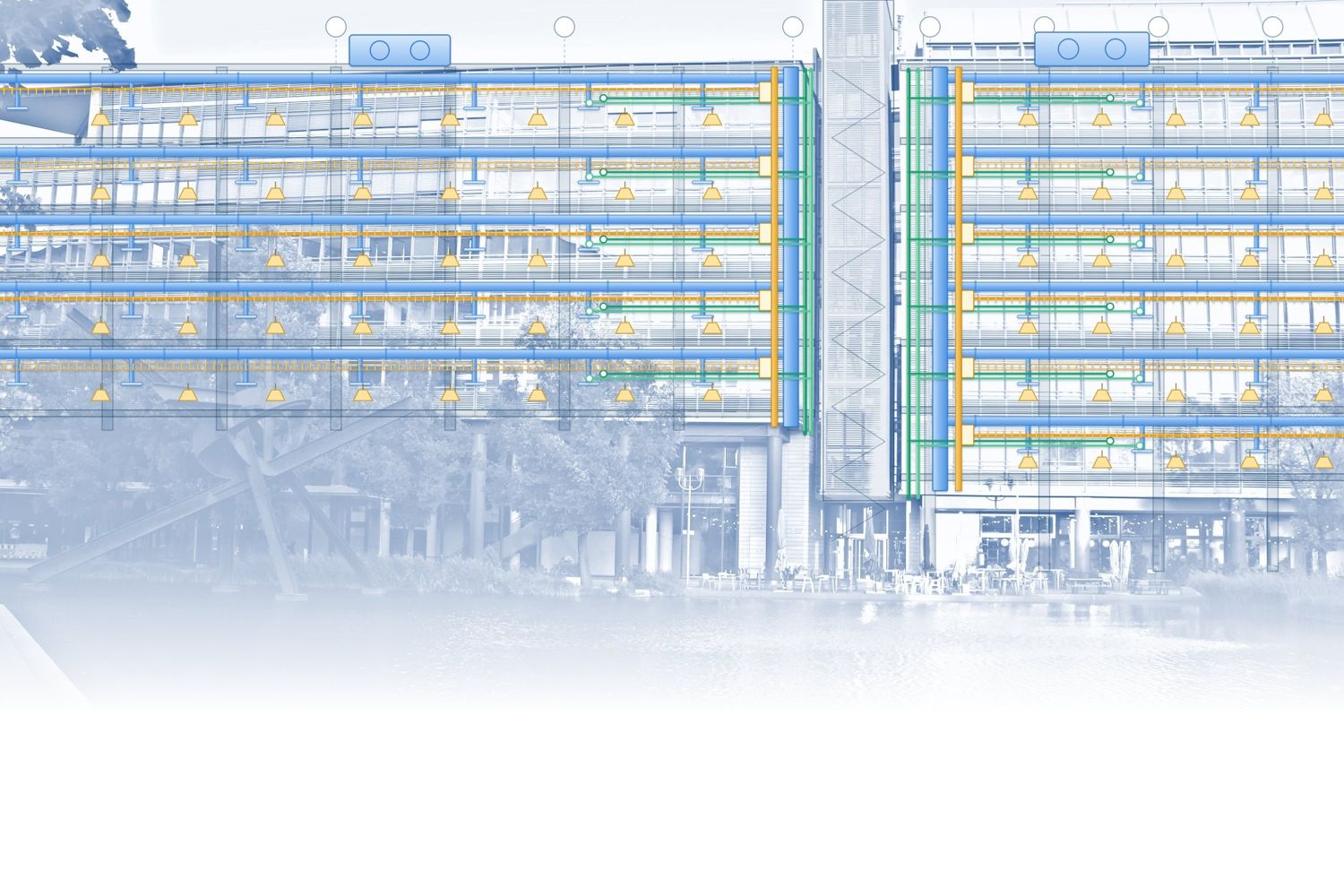
In shortSYMATEQ provides MEP drafting and modeling: electrical, mechanical and plumbing drawings in Revit or AutoCAD, and coordinated 3D Revit models with Navisworks clash detection, as-built models and shop drawings, built in your template to the level of detail your BIM execution plan asks for. Available in every region we serve.
What we draft and model.
Electrical, mechanical and plumbing, in your template, coordinated with each other and with the architect and structure.
Models
- Revit modeling
- Scan-to-BIM / as-built models
- Families and template set-up
Coordination
- MEP coordination & clash detection
- Navisworks reviews
- Trade-by-trade issue lists
Drawings
- MEP drafting in Revit and AutoCAD
- Sheets and schedules from the model
- Shop drawings / fabrication models
- Markups turned into drawings
Support
- Revit support
- CAD support
- Bluebeam markups

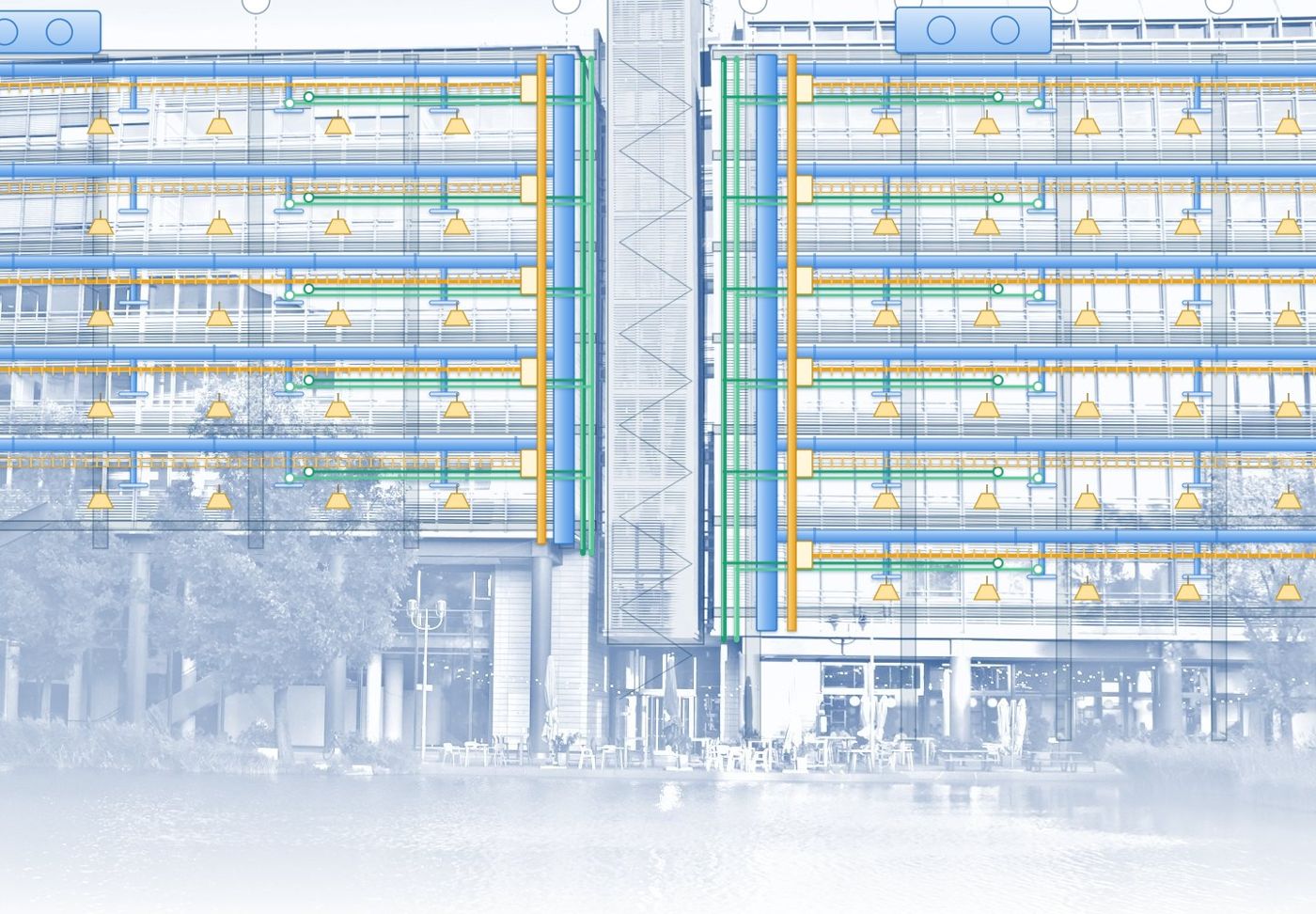 The buildingThe model
Drafting
What is MEP drafting?
Producing the electrical, mechanical and plumbing drawings: plans, risers, schedules and details, in Revit or AutoCAD, on your title blocks and layers. It turns your engineer's design or a markup into sheets ready for review, permit or construction.
Modeling
What is MEP modeling?
Building the same systems as one coordinated 3D Revit model. The drawings, schedules and quantities come out of the model, so they agree with each other and with the architect and structure, and clashes are found in the model instead of on site.
Projects we draft and model.
The building types where a coordinated model pays for itself, and where fast drafting from markups does the job.
- Commercial buildings
- Office buildings
- Healthcare facilities
- Hotels & hospitality
- Schools & universities
- Multifamily & mixed-use
- Retail & shopping centers
- Warehouses & distribution centers
- Data centers
- Industrial & manufacturing
- Laboratories
- Parking structures
- Solar PV systems (rooftop & carport)
- Scan-to-BIM / as-built models
- MEP coordination & clash detection
- Shop drawings / fabrication models
How a drafting or modeling job runs.
Discovery and consultation
A short conversation about the project, the deadline, the codes and what matters most to you. No obligation.
Scope and onboarding
You get a clear scope, timeline and price. We sign an NDA if you need one, set up secure file transfer and take on your Revit and CAD templates and layer standards.
Engineering and modeling
We do the design assist, calculations, drawings and Revit models, built to the codes of your region.
Coordination and QA/QC
We coordinate the trades in Navisworks and check the set against a QC list before it leaves us.
Delivery and support
You get clean, coordinated, permit-ready sheets on the agreed date, with quick turnaround on revisions.
The tools behind it.
MEP drafting & modeling by project type.
Typical scope on each kind of project. Every project type has its own page.
Residential
Multifamily & mixed-use; MEP coordination & clash detection
MEP drafting & modeling for homes and multifamilyRetail & shopping centers
Retail & shopping centers; MEP coordination & clash detection
MEP drafting & modeling for retail storesRestaurants, cafés & bars
MEP coordination & clash detection; shop drawings / fabrication models
MEP drafting & modeling for restaurants and cafésHotels & hospitality
Hotels & hospitality; MEP coordination & clash detection
MEP drafting & modeling for hotelsHealthcare
Healthcare facilities; MEP coordination & clash detection
MEP drafting & modeling for clinics and medical officesEducation & community
Schools & universities; MEP coordination & clash detection
MEP drafting & modeling for schools and community buildingsOffices & workspaces
Office buildings; MEP coordination & clash detection
MEP drafting & modeling for office fit-outsCommercial & mixed-use
Commercial buildings; multifamily & mixed-use
MEP drafting & modeling for mixed-use buildingsIndustrial, warehouses & labs
Warehouses & distribution centers; industrial & manufacturing
MEP drafting & modeling for warehouses and industrial sitesData centers & critical facilities
Data centers; MEP coordination & clash detection
MEP drafting & modeling for data centersSolar, EV charging & backup power
Solar PV systems (rooftop & carport); MEP coordination & clash detection
MEP drafting & modeling for solar, EV charging and backup powerQuestions about MEP drafting and modeling.
What is MEP drafting?
MEP drafting produces the electrical, mechanical and plumbing drawings for a building: plans, sections, risers, schedules and details, in Revit or AutoCAD, on your title blocks and layer standards. It turns your engineer's design or a markup into sheets ready for review, permit or construction.
What is the difference between MEP drafting and MEP modeling?
Drafting produces the drawings. Modeling builds the same systems as a coordinated 3D Revit model, and the drawings, schedules and quantities come out of it, so they agree with each other. A simple tenant improvement may need drafting only; a larger or more complex building usually gains from a model. We do either, and many clients start with drafting and move to a model on the next phase. See MEP drafting or MEP modeling: which do you need?.
Do you draft in AutoCAD as well as Revit?
Yes. We draft in Revit or AutoCAD, whichever your project is on, using your title blocks, layers and drawing standards.
Can you turn PDFs, sketches or markups into drawings or a Revit model?
Yes. Send the architect's base files with your markups or design intent and we build the drawings or the model from them. We list our assumptions on the drawings so your engineer can confirm each one.
Can you work on a Revit model that started in Autodesk Forma?
Yes. Where early design was done in Autodesk Forma and moved into Revit, the result is a Revit model, and we work from it like any other starting model: we link it, check the levels, spaces and coordinates, then build the MEP model and drawings. See Autodesk Forma and MEP.
What is Revit MEP modeling?
Revit MEP modeling builds the electrical, mechanical and plumbing systems as a coordinated 3D model in your template. Sheets, schedules and quantities come out of the model, so the drawings agree with each other and with the architect and structure.
What is BIM clash detection and why does it matter?
Clash detection finds the places where systems occupy the same space, such as a duct through a beam or cable tray through a pipe, before anything is built. Resolving them in Navisworks costs far less than fixing them on site, and it is the main reason to model the services at all.
What level of detail (LOD) do you model to?
To the level your BIM execution plan asks for: typically LOD 200 to 300 for design coordination, and up to LOD 350 or 400 for fabrication and shop drawings. Tell us the level at the start and we model to it consistently.
Can you produce as-built or scan-to-BIM models?
Yes. We build as-built Revit models from point clouds, surveys, markups or legacy drawings, at the level of detail the owner needs for handover and facility management.
Do you follow ISO 19650 and BIM execution plans?
Yes. Send the BEP, naming rules and families and we follow them. ISO 19650 conventions for naming, status and a common data environment are used where the project requires them.
Can you outsource electrical BIM modeling for projects in Australia and New Zealand?
Yes. We model switchboards, cable tray, conduit, lighting and solar PV in Revit for Australian and New Zealand projects, coordinated against structure, architecture and the other trades, built to your families and drawing conventions. See Australia and New Zealand.
How do you exchange files, and how are they kept secure?
By secure transfer or your project platform (Autodesk Construction Cloud, Revit Server or a shared drive). Files stay on access-controlled storage and are used only for your project, and we sign an NDA when you ask.